
Color Determination of Raw Sugar, White Sugar, Brown Sugar, or Plantation Sugar Solutions at pH 7.0 Based on ICUMSA® Color GS9-8 (2011)
Introduction
The measurement of degrees Brix and solution color is routinely required in sugar manufacturing industries, where these parameters are used to grade product concentration, assess product quality, and support blending operations. The development of color in sugar products is attributed to specific stages of the manufacturing process. During refining, progressive removal of color occurs as raw sugar undergoes additional processing steps, and the pigmentation of the final product reflects the extent of refining to which it has been subjected. The refining process can therefore be regarded as a sequence of operations in which higher-colored raw sugar with lower market value is converted into low-colored refined white sugar with higher market value.1
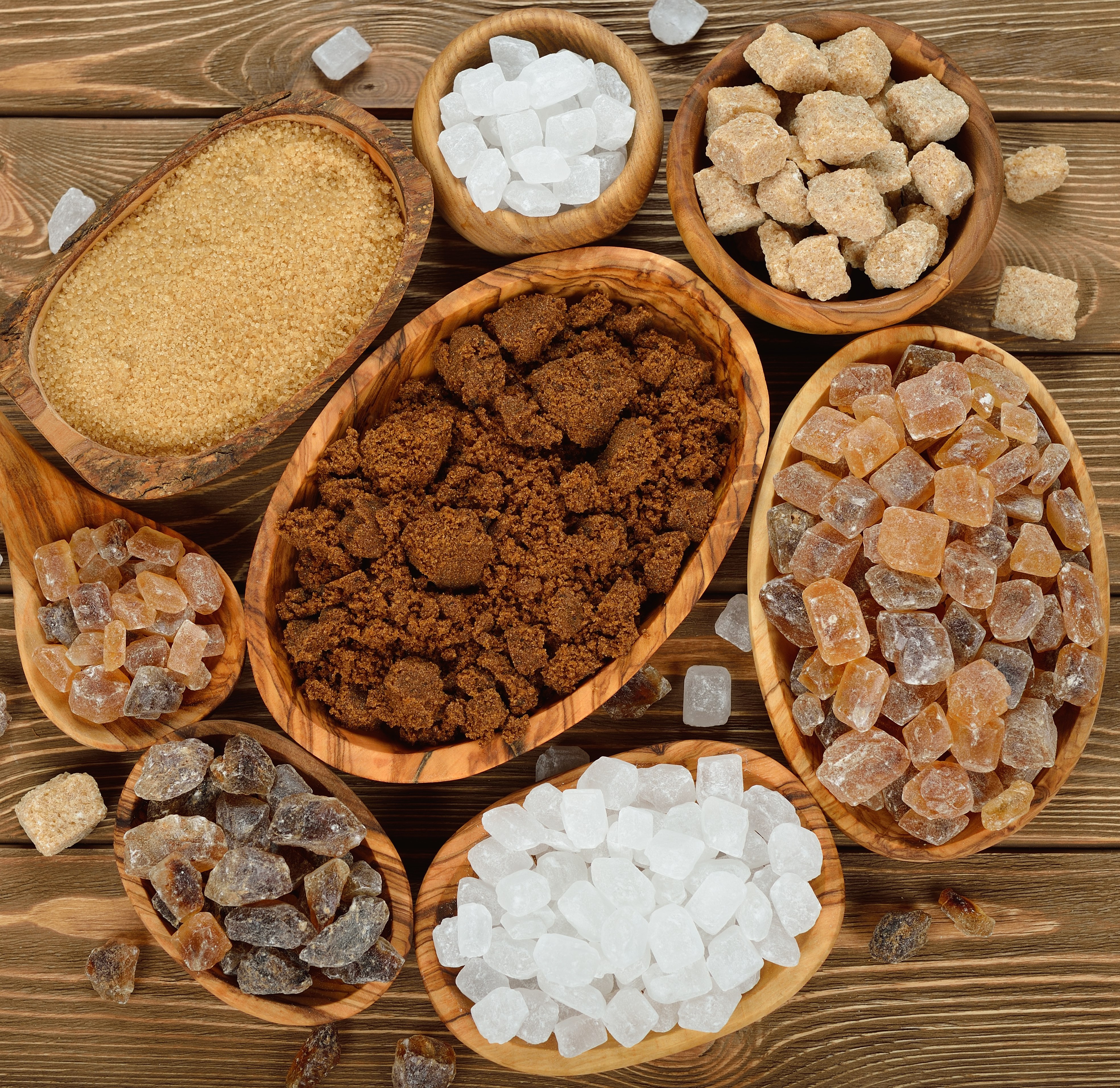
To support this evaluation, several scales for the measurement of degrees Brix and color are used in the food industry. ICUMSA® (International Commission for Uniform Methods of Sugar Analysis) is recognized as the global body responsible for analytical methods applied in the sugar sector. Within this framework, raw sugar obtained from the initial production stage is characterized by very high color values and requires refinement and purification prior to consumption. Brown sugar and natural sugar represent partially purified forms of raw sugar that retain relatively high color values. Further purification yields refined and white sugars with substantially lower color values.
Analytical determination of color in these products is performed using standardized procedures. The method titled “Sugar color pH 7.0 (MOPS)” is based on ICUMSA® Method GS9-8 (2011). Full procedural details are provided in the Official ICUMSA® Method, although updated versions may exist. This method is applied to solutions of raw sugar, plantation white sugar, and refined raw sugar with color indices ranging from 10 to 16 000 IU. Samples are prepared in a buffer solution adjusted to pH 7.0, followed by measurement of absorbance at 420 nm. The color value in IU is subsequently calculated from the recorded absorbance.
Experimental
Method
The sample under investigation is dissolved in water and subsequently adjusted with a buffer solution to obtain a pH of 7.0. The absorbance of the prepared solution is then measured photometrically at 420 nm. The recorded absorbance value is used to calculate the ICUMSA® color. The ICUMSA® color is expressed in ICUMSA® units at pH 7.0 (IU).
The method is based on the ICUMSA® Method GS9-8 (2011).2
Applicable Sample
The method is applicable to sugar samples with color indices ranging from 10 to 16 000 IU, including raw sugar, plantation white sugar, and refined raw sugar.
Please note that the measuring range of the method intentionally exceeds the color range of the intended sample types. This design ensures that a result is still generated when measurements fall outside the expected sample range, rather than producing an error message.
Instruments, Reagents, and Auxiliaries
Instrument(s) & Devices
For the measurement one of the following Spectroquant® photometers is necessary
- Spectroquant® VIS Spectrophotometer Prove 100 plus (1.73026)
- Spectroquant® UV/VIS Spectrophotometer Prove 300 plus (1.73027)
- Spectroquant® UV/VIS Spectrophotometer Prove 600 plus (1.73028)
This application note pertains to the above listed photometers and all discontinued instruments from the Spectroquant® Prove series.
Software for Data transfer
- Optional Spectroquant® Prove Connect to LIMS software package (Y.11086) to transfer your data into an existing LIMS system.
Instrument Accessories
- Rectangular cells 10 mm (1.14946) and/or
- Rectangular cells 20 mm (1.14947) and/or
- Rectangular cells 50 mm (1.14944)
Other Reagents and Accessories
- Water for analysis, EMSURE® (1.16754) or
- Distilled water
- Sodium hydroxide solution 1 mol/L Titripur® (1.09137)
- MOPS, free acid, ULTROL® grade (475898)
- Membrane filters Millex-HA, 0.45 μm pore size, 25 mm diameter, Luer-Lock fitting inlet (SLHA025NB)
- Membrane filters prefilter unit, 0.80 μm pore size, 25 mm diameter, Luer-Lock fitting inlet (SLAA025NB)
- Plastic syringes 10 - 50 mL with Luer-Lock fitting outlet (XX1102012)
- pH-Meter
- Ultrasound bath
- 250-mL conical flasks
- 100-mL and 1000-mL volumetric flasks
- Standard laboratory glassware (e. g. glass beakers) and pipettes
Analytical Procedure
Solution Preparation
- MOPS buffer solution: The buffer solution is prepared according to ICUMSA® Method GS9-8 (2011), chapter 5.2.2
- Reference solution for the zero-adjustment procedure: The solution is prepared according to ICUMSA® Method GS9-8 (2011), chapter 7.2. 2
Sample Preparation
The sample is weighed with an accuracy of 0.1 g and prepared according to ICUMSA® Method GS9-8 (2011), chapter 8.2
Measurement
General instructions for performing the measurement, including zero setting and calibration sample blank preparation
- Select the method (2551, “Sugar Color pH 7.0 (MOPS)“) from the method list of the Spectroquant® Prove.
- Tap on the entry field “Sample Weight” and enter the sample weight value in grams (g). Confirm with <OK>.
- Perform a zero adjustment (procedure see “Zeroing the photometer”).
- Press <START> to start the measurement mode.
- Transfer the sample solution into a corresponding cell and place the cell into the cell compartment.
- Allow the instrument to perform the measurement automatically.
- Confirm measurement with <OK>. The IU value is shown in the display.
- Press <START> to start the measurement procedure for the next sample. The system does not prompt a repeat of the zero adjustment.
Zeroing the photometer
- The photometer must be zeroed before each new measurement series.
- A rectangular cell is filled with water for analysis for use in the zero adjustment.
- It is advisable to zero the photometer using the same cell as the one used for the measurement sample or else a cell with identical optical characteristics and an identical absorption (matched pair).
- The zero-adjustment procedure for the measurement series is automatically prompted by the instrument after the entry of the weight of the first analytical sample.
Note
According to ICUMSA® Method GS9-8 (2011), the method checks automatically if the measured absorption is below 2.500 A. If the absorption exceeds this limit, a pop-up message appears: “Condition not met – Absorbance > 2.5”.
In such cases, the sample preparation must be adapted by selecting an appropriate cell length and adjusting sample and water weights according to according to ICUMSA® Method GS9-8 (2011), chapter 7.1.2
Evaluation
Results are expressed in ICUMSA® units (IU).
Reagents & Solvents
References
To continue reading please sign in or create an account.
Don't Have An Account?